30x30's twine template
A downloadable asset pack for Windows, macOS, and Linux
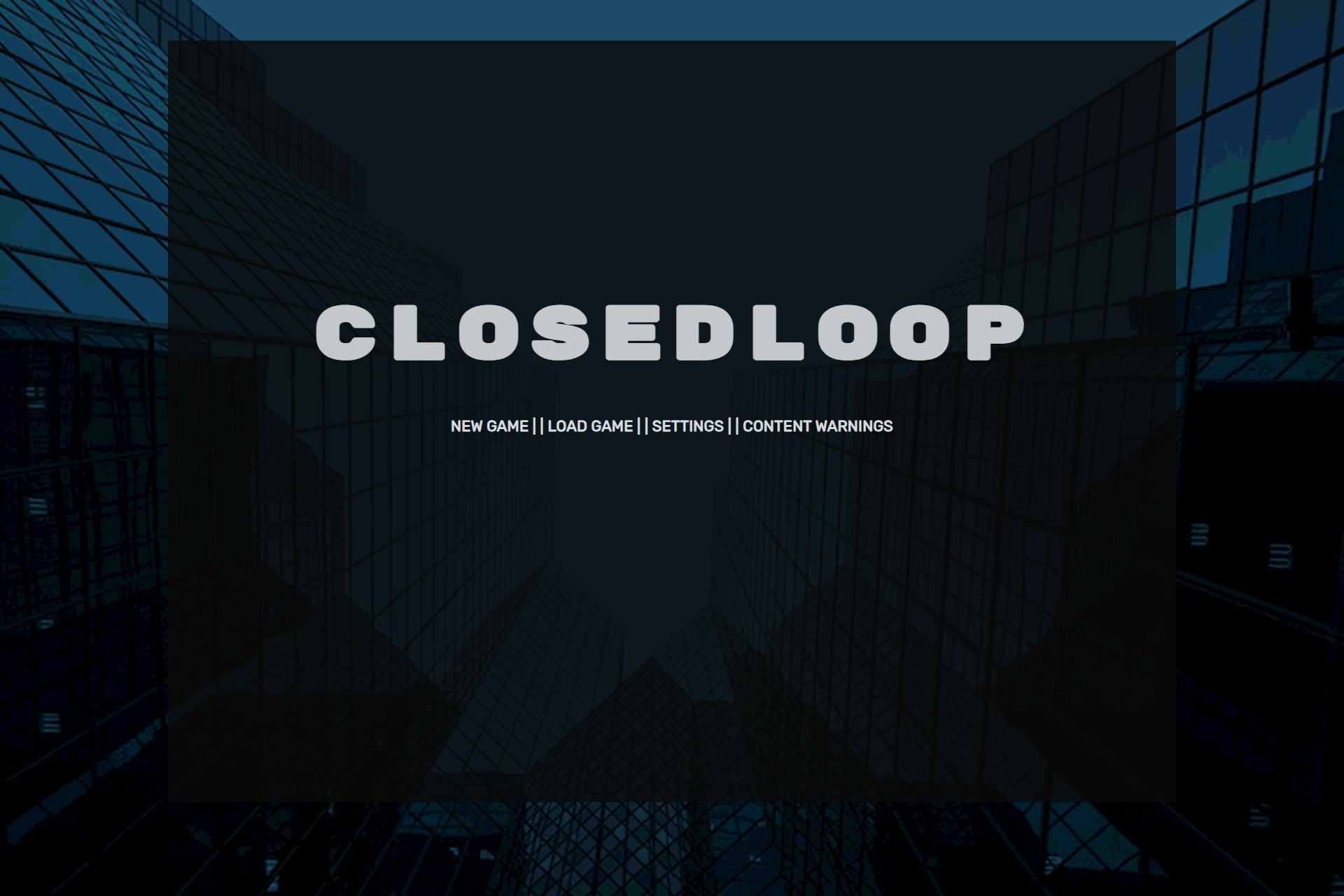
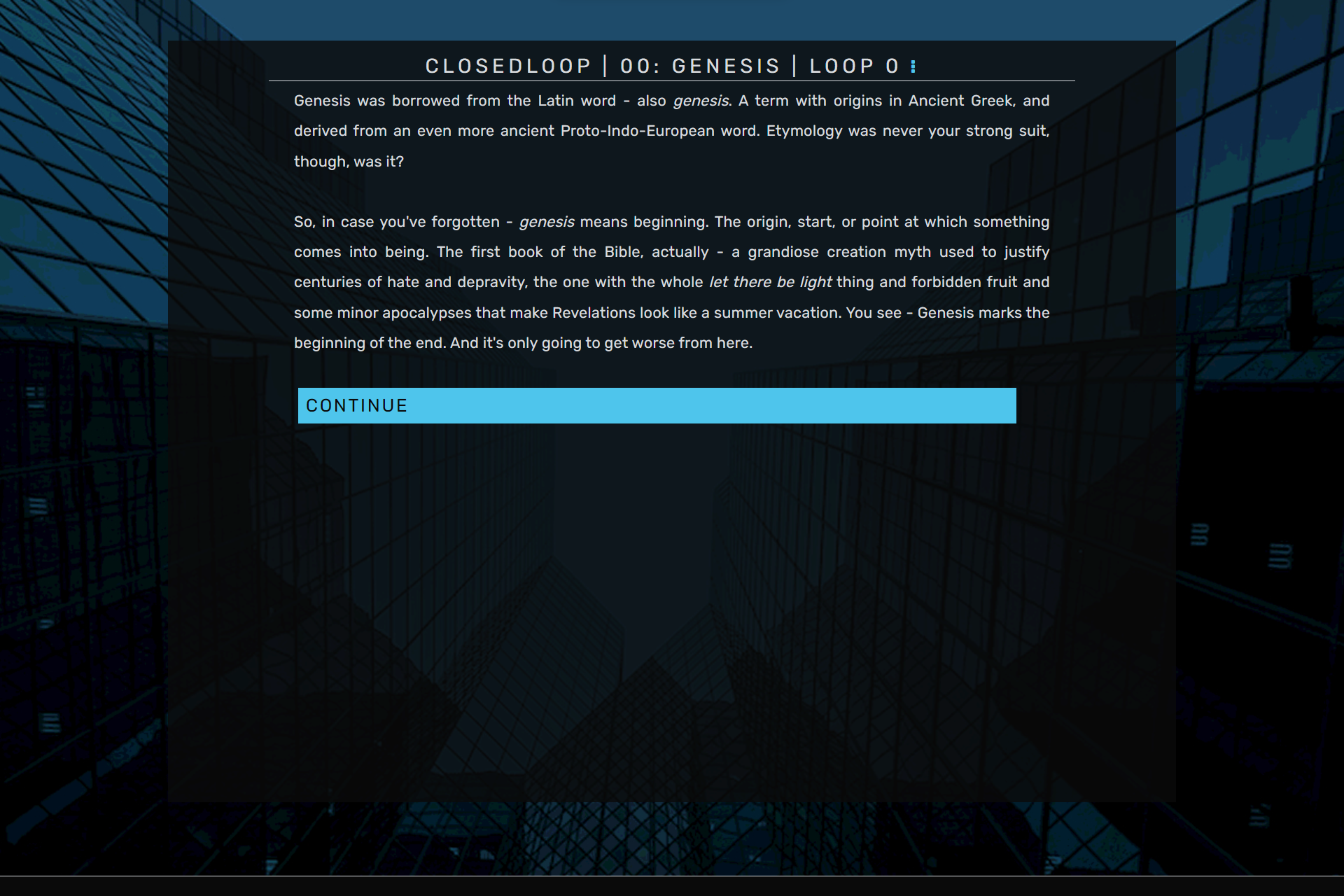
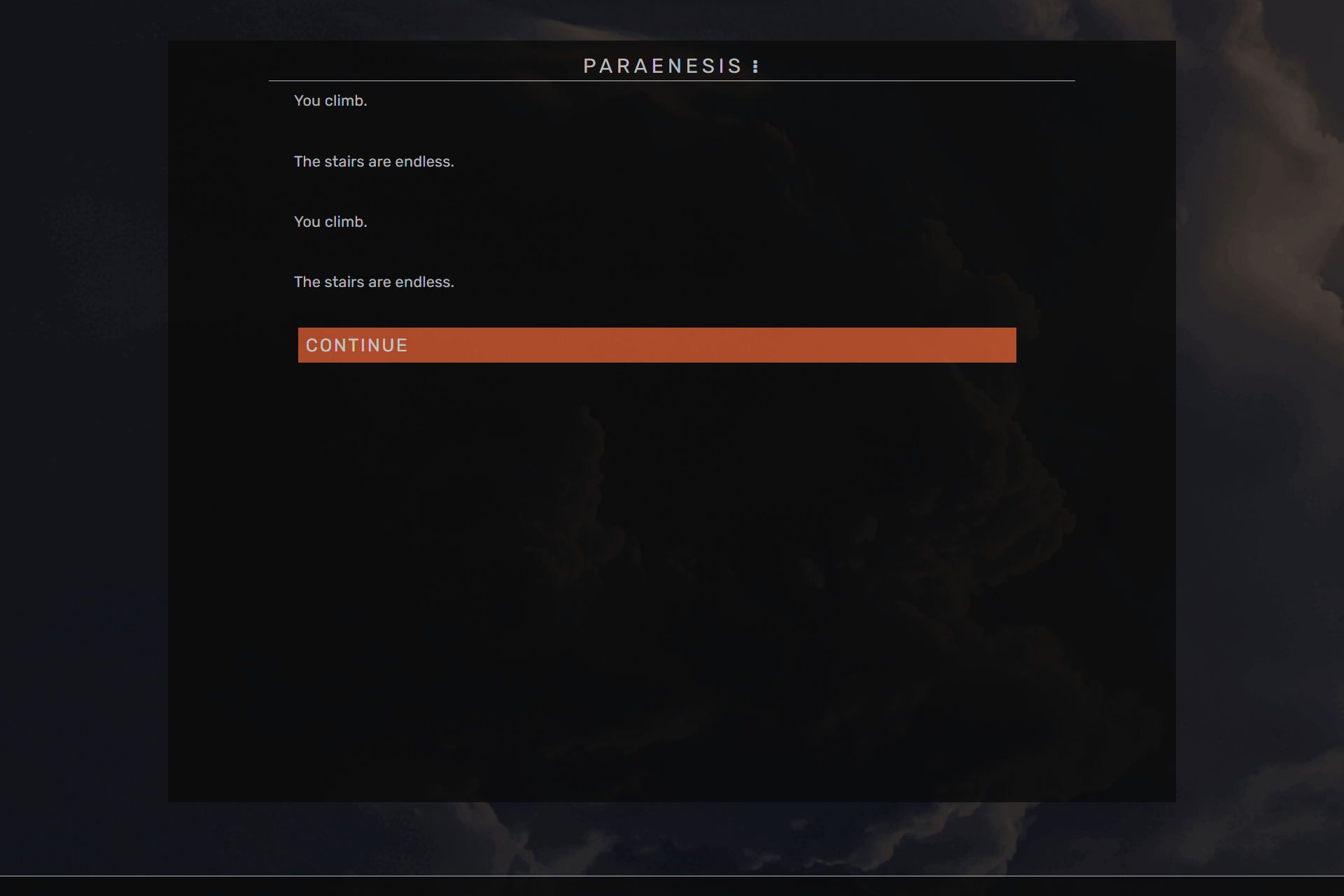
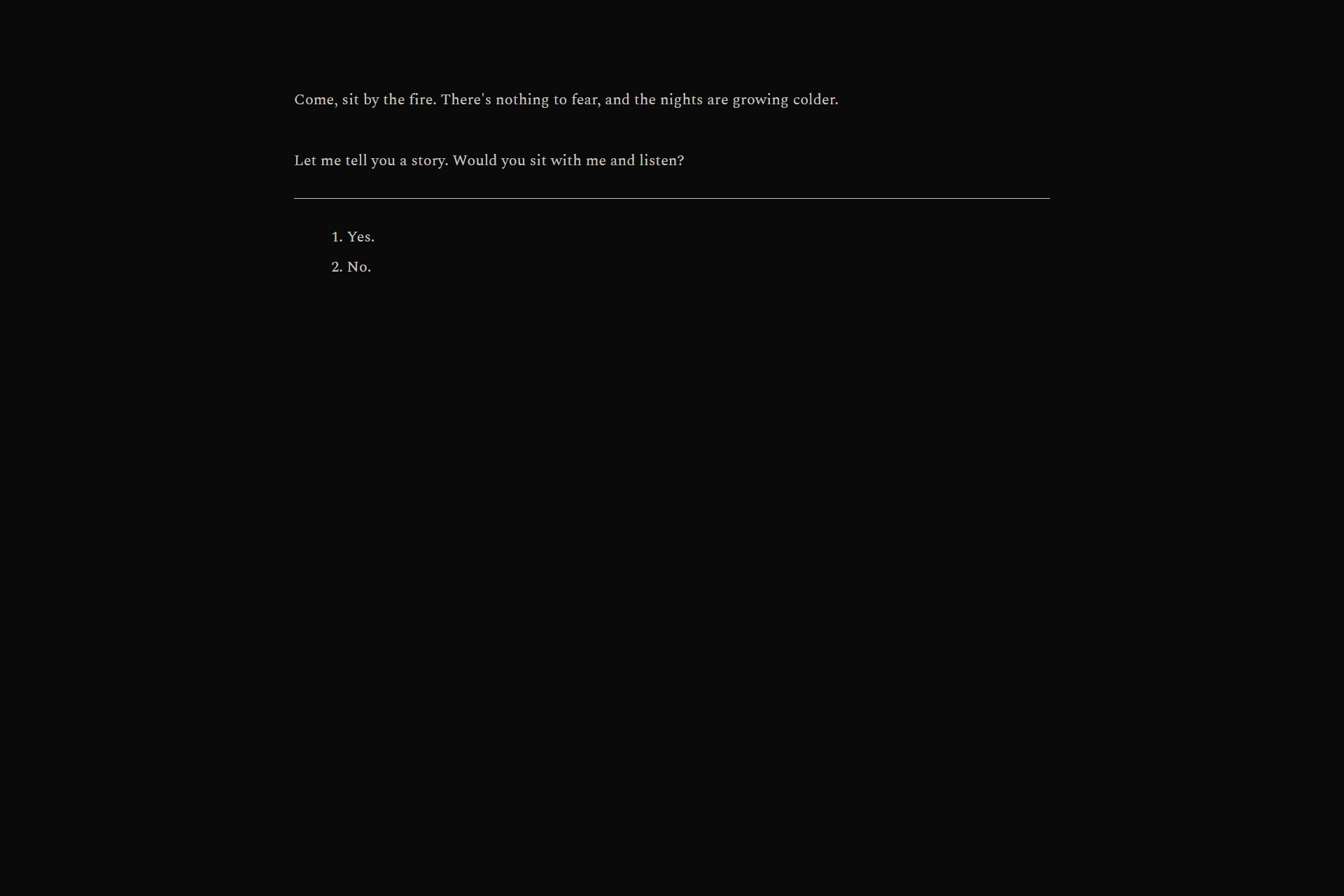
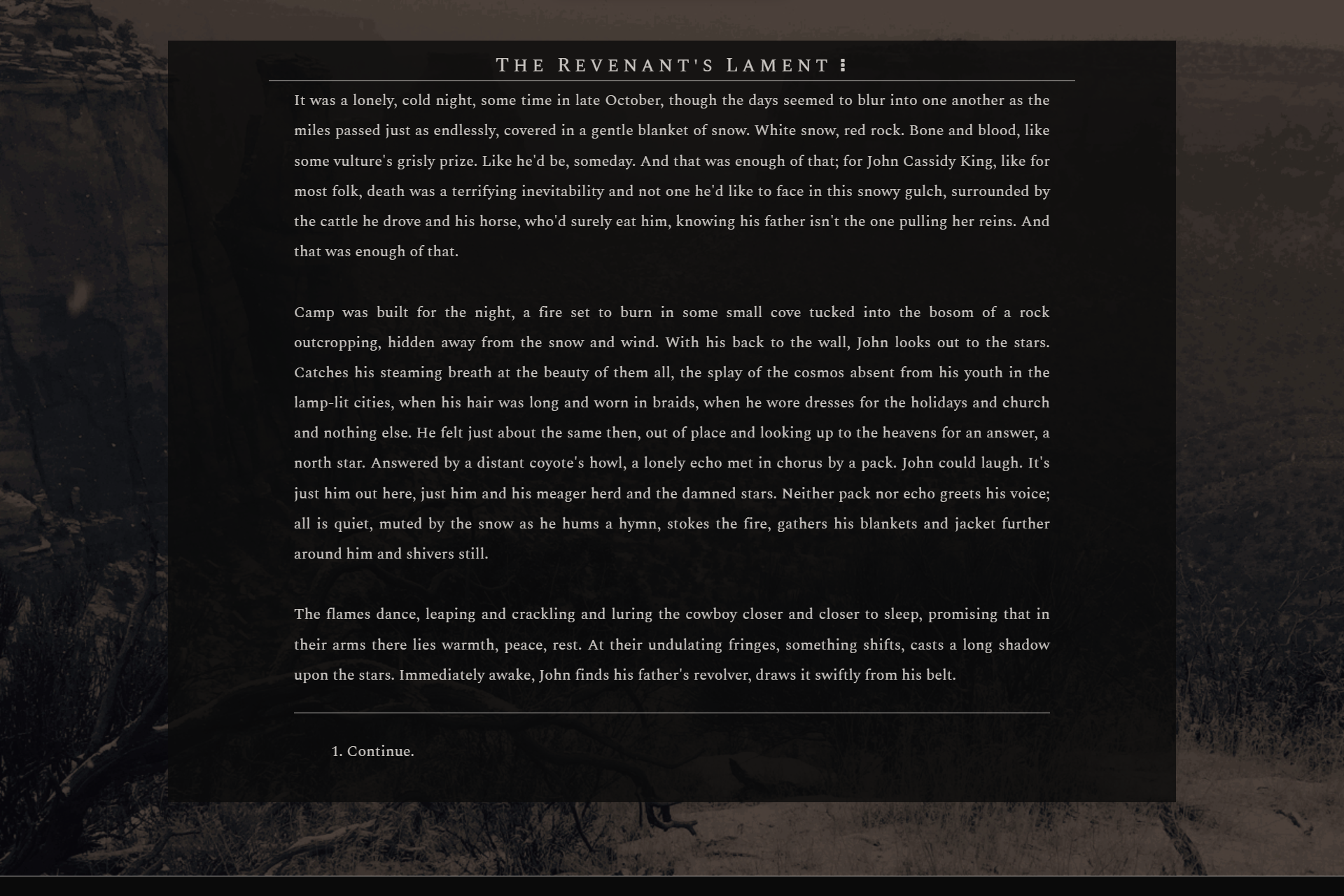
A custom UI template that was created for use in CLOSEDLOOP, Paraenesis, The Revenant's Lament, constellate and others games. Designed to display dense text in a sleek, simple, and almost infinitely adaptable manner. If you use this template, please credit me by linking my itch.io page, and consider supporting me financially either through paying for the file here on itch.io or my ko-fi. Your support means a lot and goes a long way, as I am a solo game developer and writer.
Current Features:
- Main menu screen template
- Body text template
- Choice text and button template
- Toggleable in-game menu, custom save and settings menus
- Light/dark mode toggle
- Font size toggle
Planned Features:
- Live-update character creator
- Name
- Pronouns (including custom pronouns) and gender
- Traits (with descriptors)
- Physical appearance options
- Graphics
- Codices/interactive guides with popups
- Notifications
Please note that this template is NOT made for and will NEVER be optimized for mobile, and looks best in full-screen on desktop. No part of this template was made with or will ever be made with AI. Do not reupload without permission.
Credits:
- Twine was created by Chris Klimas
- The Sugarcube format and Tweego were created by T. M. Edwards
- Various macros created by ChapelR and HiEv
- Menu adapted from a template by @cerberus-writes
Download
Click download now to get access to the following files:
Development log
- Updated TemplateAug 06, 2025

Comments
Log in with itch.io to leave a comment.
Hey there! Do you have any preference or limitations on how heavily people can modify this template? I would credit you for the base code regardless, but I wanted to make some pretty dramatic layout adjustments and figured I should check first.
Nope! No preferences or limitations at all, it wouldn’t matter to me if this was just the jumping off point for someone’s game or they used the template verbatim — I’m just happy to have made a useful resource. Enjoy coding!
Awesome, thank you!
Hi hi! I've just started my own IF and I am using your awesome template- but I am drawing a blank on how to put in my own background image and change the colours of the buttons...I know you're not obliged to, but could you advise on which code I need to edit to customise this template further?
Thank you!!
Hi! If you're using Twine in the browser, I'm afraid I'm of little help as I don't know where exactly to put the image files themselves. For images, make sure they're in the :root, and add a line for "--bg-img: url(images/yourimagenamehere.jpg);". You'll then want to go to your body section and add "background-image:var(--bg-img);".
As for the buttons, this is the code I've been using for my recent buttons, I hope it helps!
button {transition:0.4s; background-color: var(--buttonbg); border: none; color: var(--black); width: 95%; margin-left: 0.25em; text-align: left; font-size: 1.2em;font-family: var(--main-font); letter-spacing:0.1em;}
button:hover {cursor: crosshair; color: var(--accent); text-decoration: none; background-color: var(--black);}
If you need any more help feel free to send me an email or just reply to this comment!
Oh amazing! Thank you so much for helping me out- I will mess around and see what I can do. You're a legend!
Nope, back again! So I'm messing around in the style sheet, but I'm not sure why the background image isn't loading in- do I need to make a specific folder for it to be loaded from?
Yes, if you're working in Tweego, you'll need a folder in your Export folder labeled "images". As for Twine in the browser, you'll need to export your entire project to view changes to any images. I'm not sure where those images are supposed to go (I had previously hosted them somewhere and used their URL in the :root), but I'm not certain that works anymore.
Thanks for the help, I will experiment and see what works!
HELL YES! beautiful work as always :)